
Step 1: Powering on the VirtualBench
Next, open the NI VirtualBench App:
Once opened, you should be met with this:
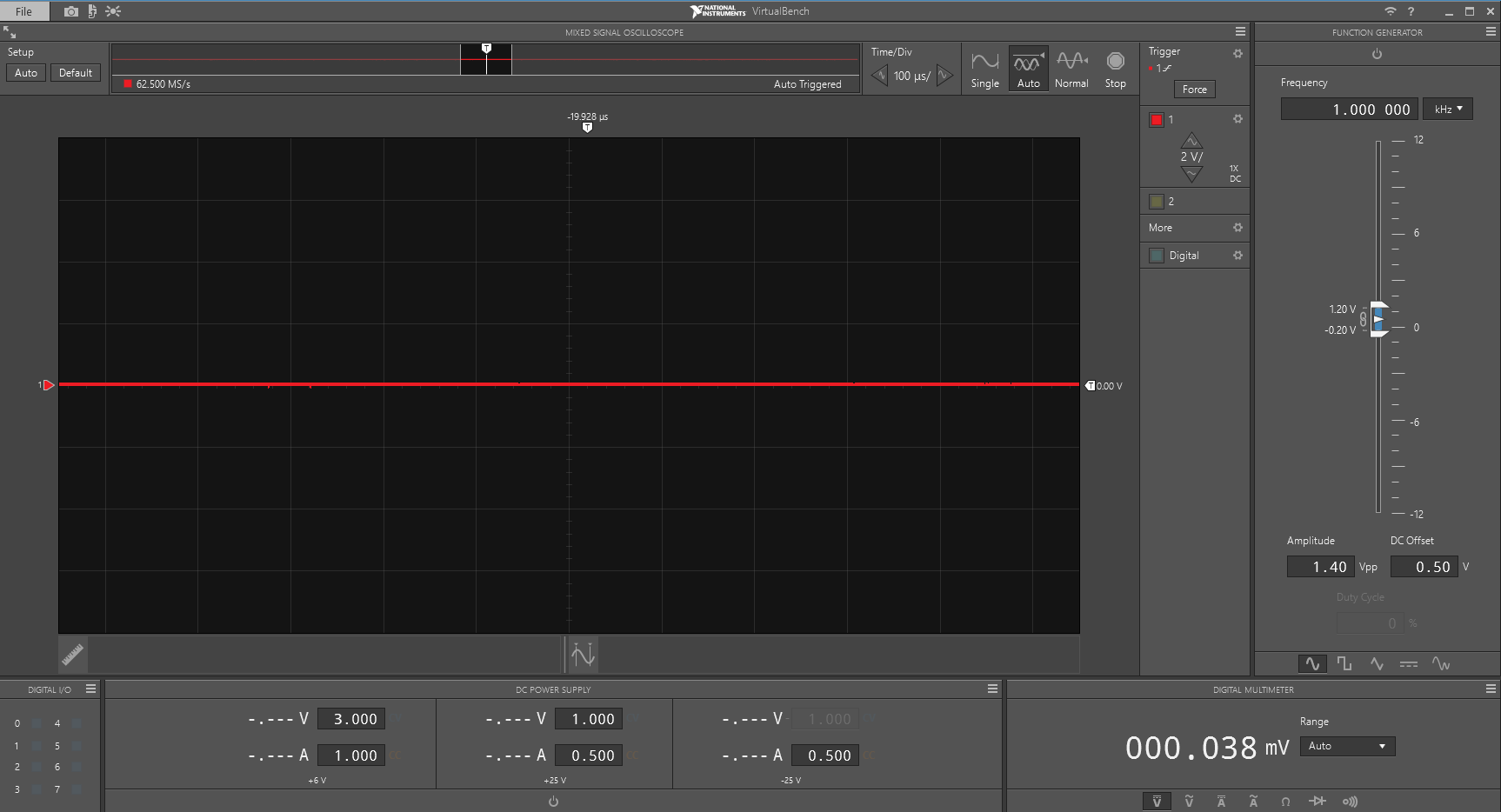
You should see a red line on the screen in the main panel- this is the oscilloscope, which will soon be your best friend when things go wrong. This can be used to measure voltage, and see how it changes over time. Let's try it out: